

iPhone storage full? 5 ways to free up space without losing photos
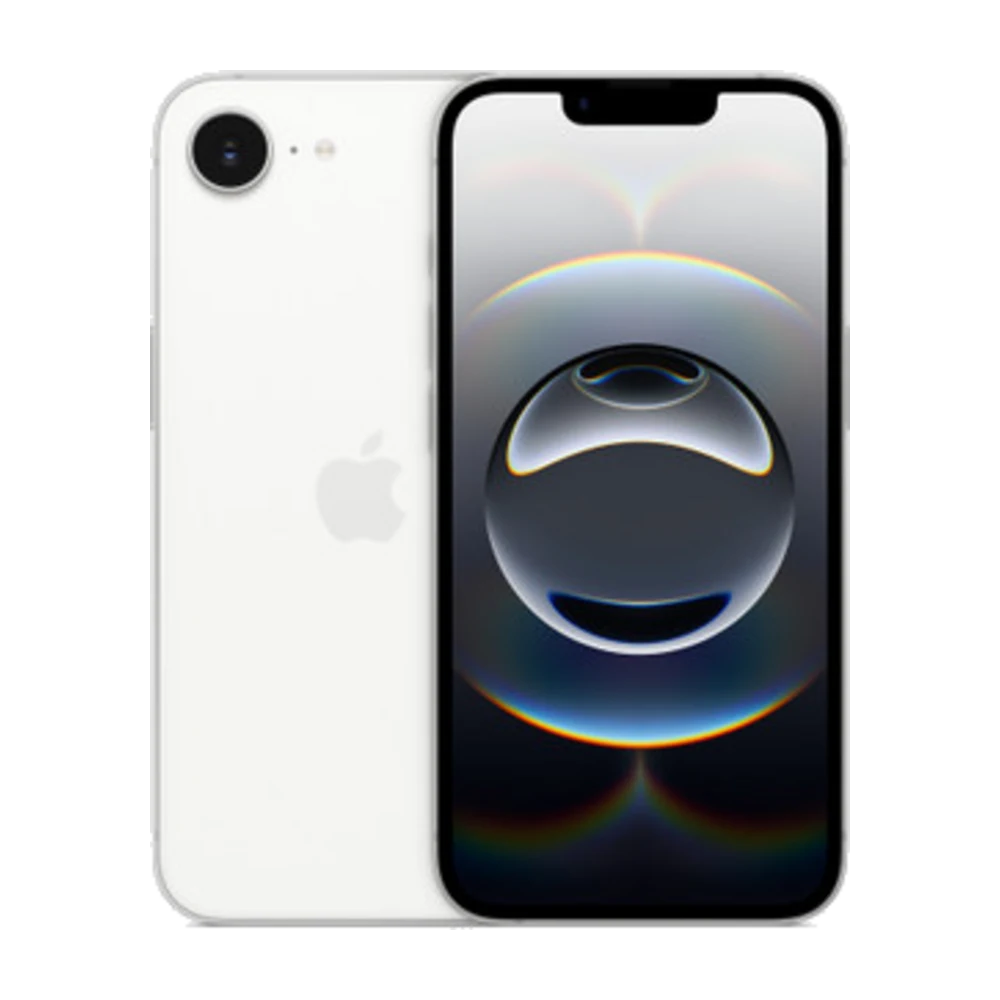
When storage is full, your iPhone can slow down and stop taking photos or updating. Here's how to clean it safely.
## 1. See what's using space
Settings › General › iPhone Storage shows how big each app is and gives cleanup suggestions.
## 2. Offload unused apps
Turn on Offload Unused Apps. Your iPhone removes the app but keeps its data — reinstall it and everything is still there.
## 3. Optimize photos
If you use iCloud Photos, turn on Optimize iPhone Storage in Settings › Photos. Full-size originals stay in iCloud and the iPhone keeps smaller copies.
## 4. Empty Recently Deleted
Deleted photos stay in Albums › Recently Deleted for 30 days. Delete them there to get the space back right away.
## 5. Clear videos in Telegram / Messages
Chat apps store lots of videos and photos. In Telegram, go to Settings › Data and Storage › Storage Usage to clear the cache.
Need more room? Have a look at the 256GB and 512GB iPhones at Sensok Phone.
Source: Apple iPhone User Guide — https://support.apple.com/guide/iphone/welcome/ios