

Buying a used iPhone? Check these 7 things before you pay
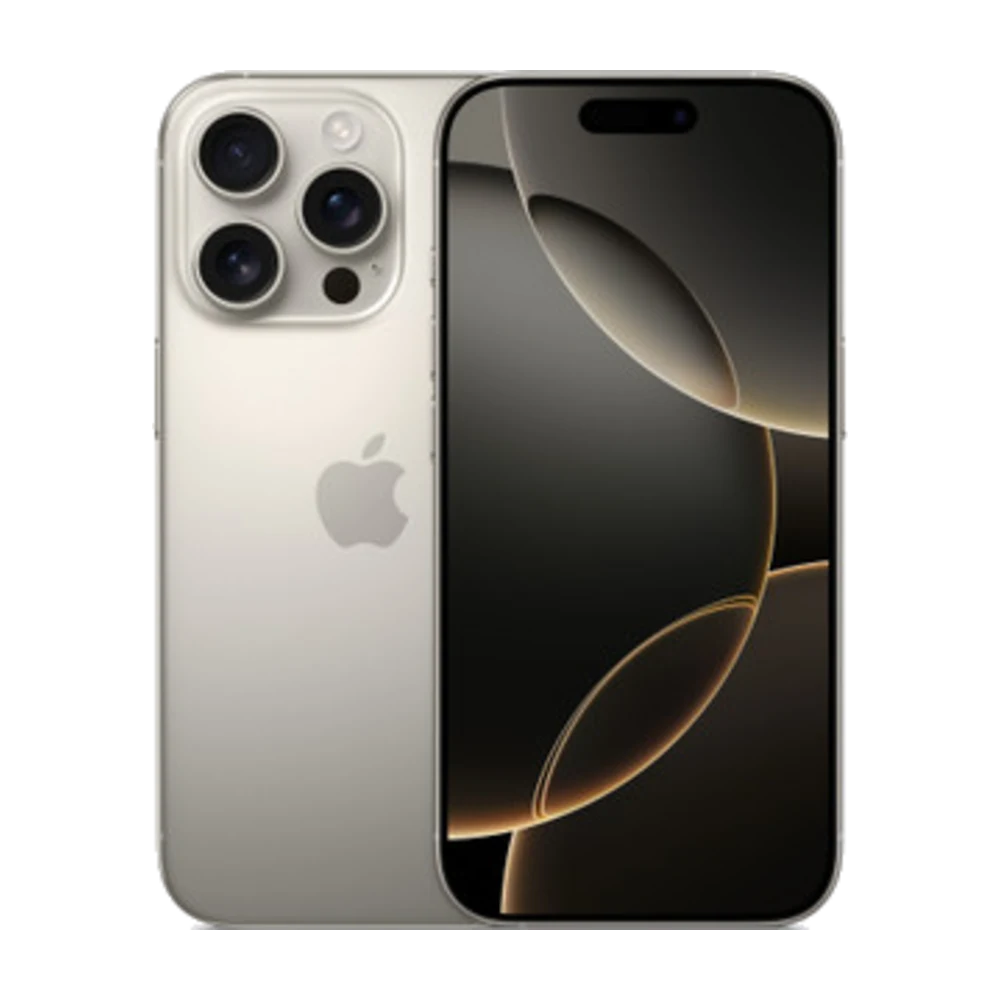
A used phone can save you a lot, but check it carefully before you buy.
## 1. Not locked to iCloud
Open Settings and make sure no one else's Apple ID is shown at the top. Find My must be off.
## 2. Genuine parts
Go to Settings › General › About and look at Parts and Service History (recent iOS). It shows whether the screen, battery or camera were replaced and if they are genuine Apple parts or unknown.
## 3. Battery health
Settings › Battery › Battery Health & Charging — the higher the Maximum Capacity, the better.
## 4. Serial number
Enter the serial number from Settings › General › About at checkcoverage.apple.com to confirm the model and whether Apple coverage is still active.
## 5. Face ID / Touch ID
Try setting up a face or a fingerprint to make sure it works.
## 6. Cameras, sound and screen
Take photos with every camera, make a test call, and open a white screen to look for dead spots.
## 7. Buy from a shop with a warranty
At Sensok Phone, every used phone is checked before it's sold and comes with a warranty. Come in and try before you buy.
Source: Apple iPhone User Guide — https://support.apple.com/guide/iphone/welcome/ios · https://checkcoverage.apple.com