

Turn on Find My and Stolen Device Protection to protect a lost iPhone
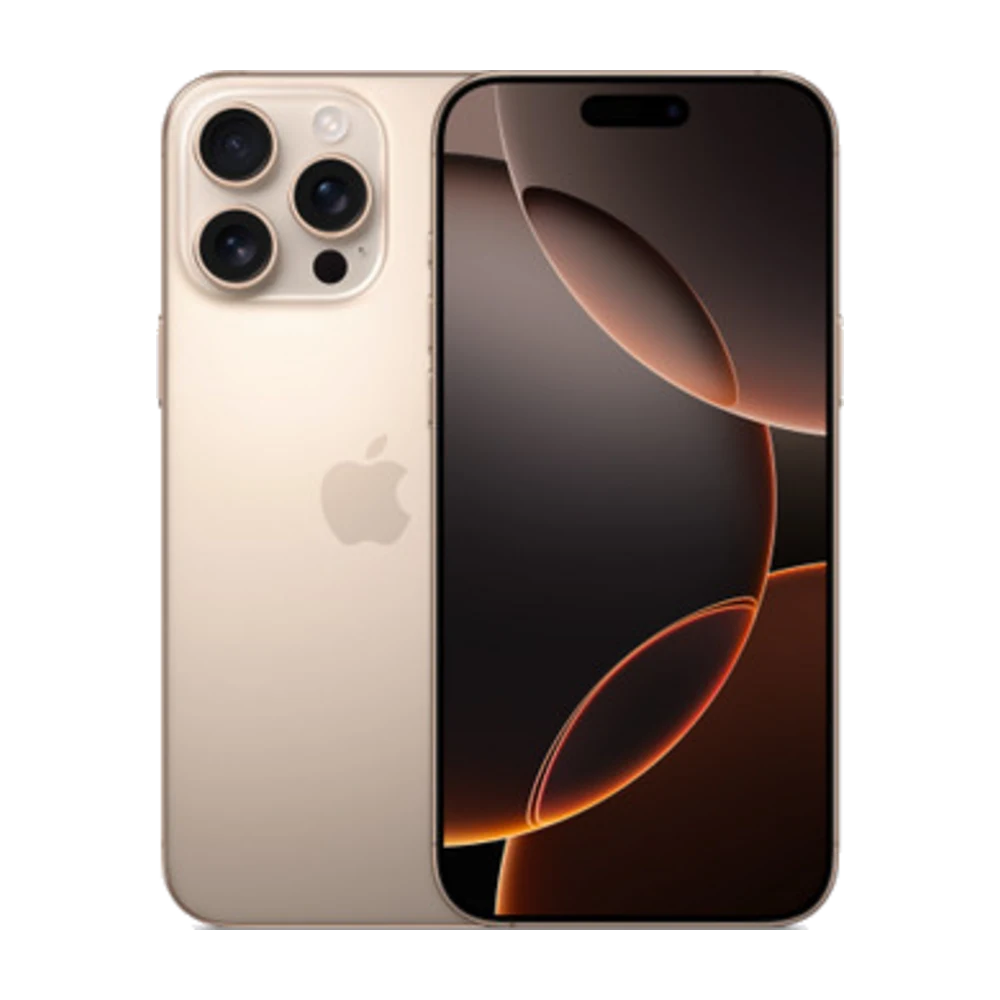
If your iPhone is lost or stolen, these two settings can help you find it and protect your data.
## 1. Turn on Find My
Go to Settings › [your name] › Find My › Find My iPhone, and also turn on Find My network and Send Last Location.
## 2. Find a lost phone
Use icloud.com/find or the Find My app on another Apple device to see its location, play a sound or turn on Lost Mode.
## 3. Turn on Stolen Device Protection
Go to Settings › Face ID & Passcode › Stolen Device Protection. When your phone is away from familiar places (like home or work), changing your Apple ID password and other key settings needs Face ID or Touch ID, and some changes need a 1-hour wait. Even a thief who knows your passcode can't do it right away.
## 4. Use a longer passcode
Avoid easy ones like 123456 or your birthday.
## 5. When selling or trading in
Before you sell, sign out of your Apple ID and erase the phone (Erase All Content and Settings) so Find My is off. Never buy a used phone that is still locked to someone else's iCloud.
Source: Apple iPhone User Guide — https://support.apple.com/guide/iphone/welcome/ios