

Live Text: copy text from a photo or straight from the camera
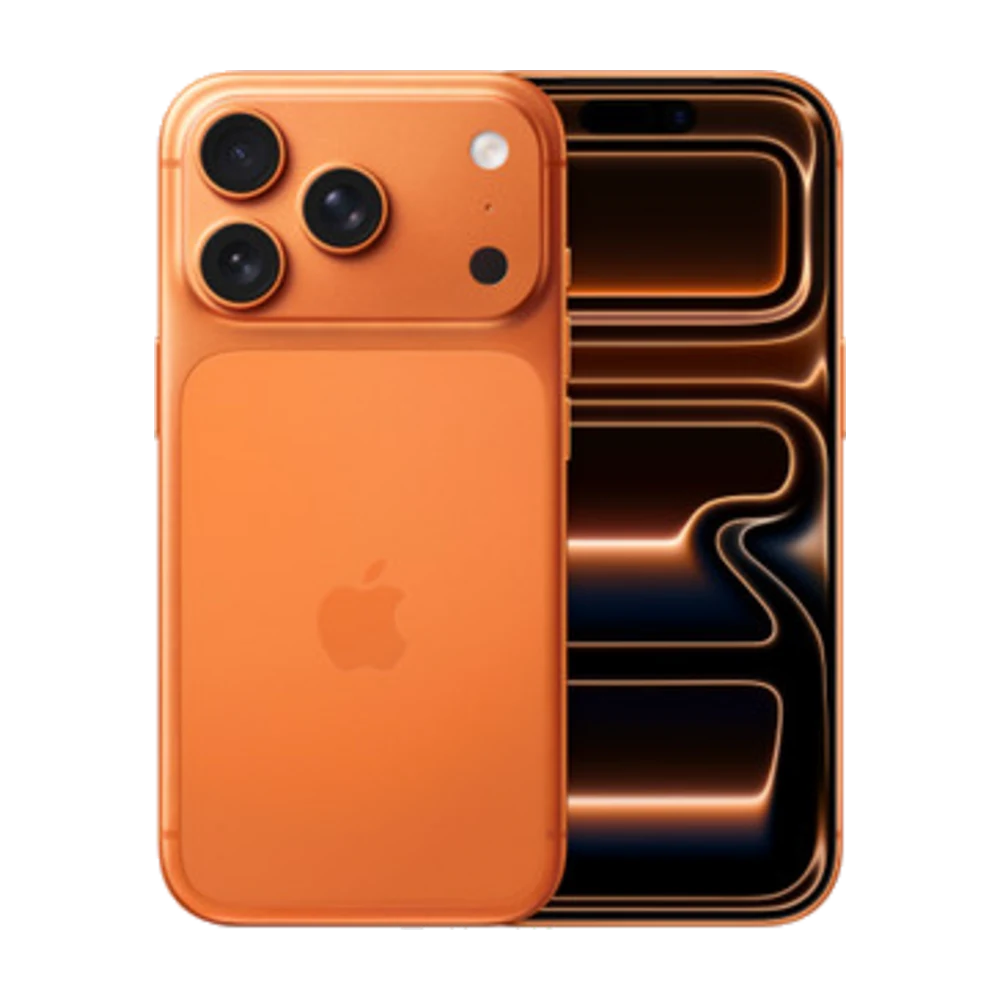
Live Text lets your iPhone recognise text inside images, so you can copy it, call it or translate it right away.
## 1. From the camera
Open Camera and point it at text. When a yellow frame appears around it, tap the Live Text button in the corner, then touch and hold the text to copy it.
## 2. From a photo
Open a photo in Photos and touch and hold the text, just like selecting text in a message.
## 3. Tap a number to call
If the image has a phone number, address or link, tap it to call, open Maps or open the website directly.
## 4. Translate
Select the text and tap Translate (available languages depend on your iOS version).
## 5. Which models?
Live Text needs iPhone XS, iPhone XR or later.
Source: Apple iPhone User Guide — https://support.apple.com/guide/iphone/welcome/ios