

Back Tap: double-tap the back of your iPhone to take a screenshot or turn on the flashlight
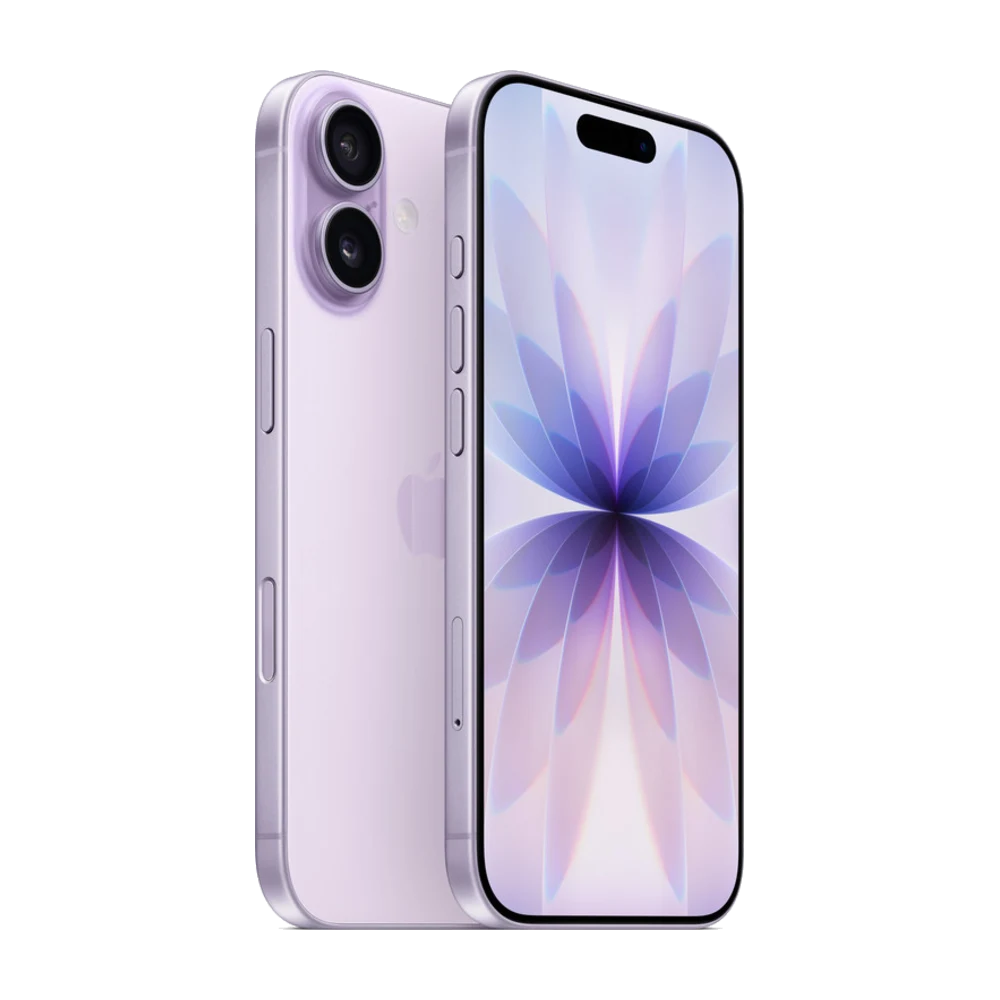
Back Tap lets you double- or triple-tap the back of your iPhone to do something instantly, without looking for a button.
## 1. How to turn it on
Go to Settings › Accessibility › Touch › Back Tap.
## 2. Pick an action
Choose Double Tap or Triple Tap, then pick an action such as Screenshot, Flashlight, Camera, Mute or Lock Screen.
## 3. Use it with Shortcuts
You can also run a Shortcut you made yourself, like opening directions to the shop or sending your location to family.
## 4. Works with a case
Back Tap works through most cases. With a thick case, tap a little harder.
## 5. Which models?
Back Tap is available on iPhone 8 and later.
Source: Apple iPhone User Guide — https://support.apple.com/guide/iphone/welcome/ios