

3 iPhone keyboard tricks that make typing faster
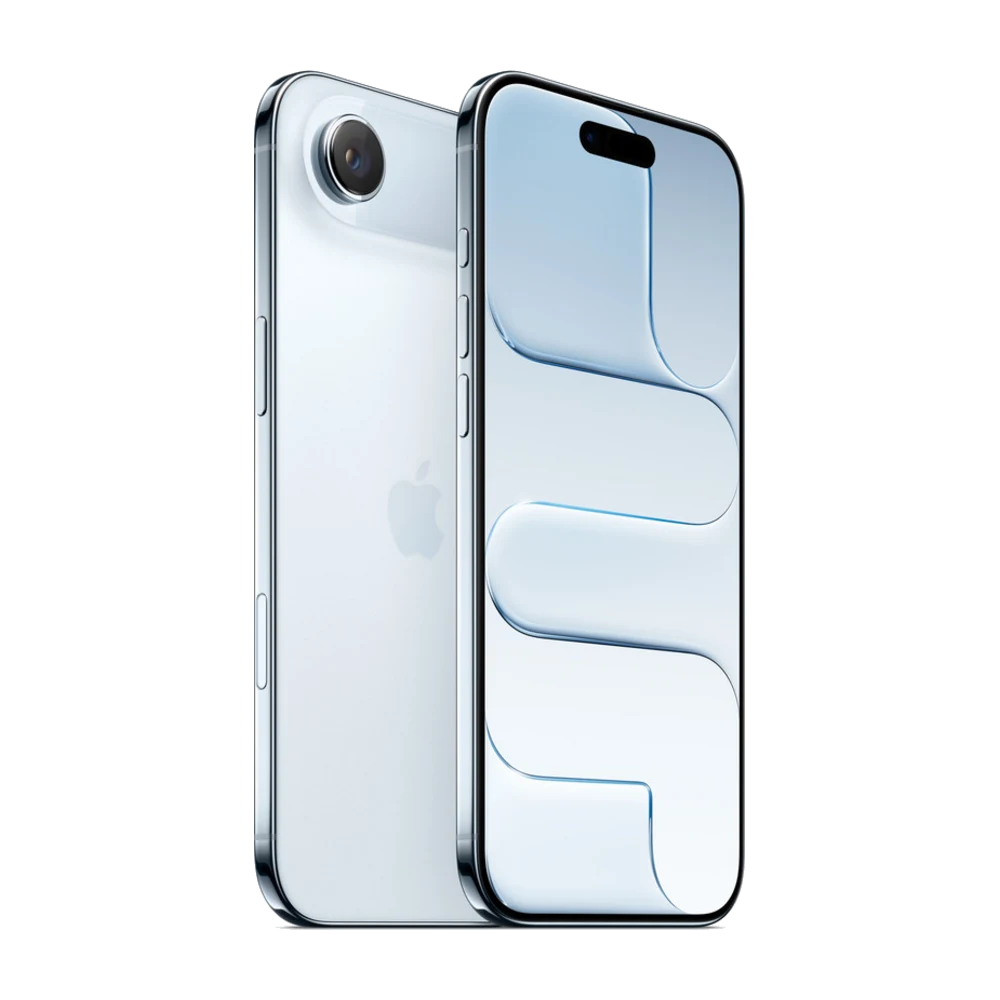
These small tricks make typing and fixing text on iPhone much easier.
## 1. Turn the space bar into a trackpad
Touch and hold the space bar until the keyboard turns grey, then slide your finger to move the cursor exactly where you want.
## 2. Undo
Swipe left with three fingers to undo and right to redo. Or shake your phone and tap Undo.
## 3. Text Replacement
Settings › General › Keyboard › Text Replacement. For example, set "@@" to type your email or "adr" to type your full address.
## 4. Switch languages fast
Touch and hold the globe key to pick the keyboard you want, for example Khmer or English.
Source: Apple iPhone User Guide — https://support.apple.com/guide/iphone/welcome/ios