

Low Power Mode: make your iPhone battery last when it's running low
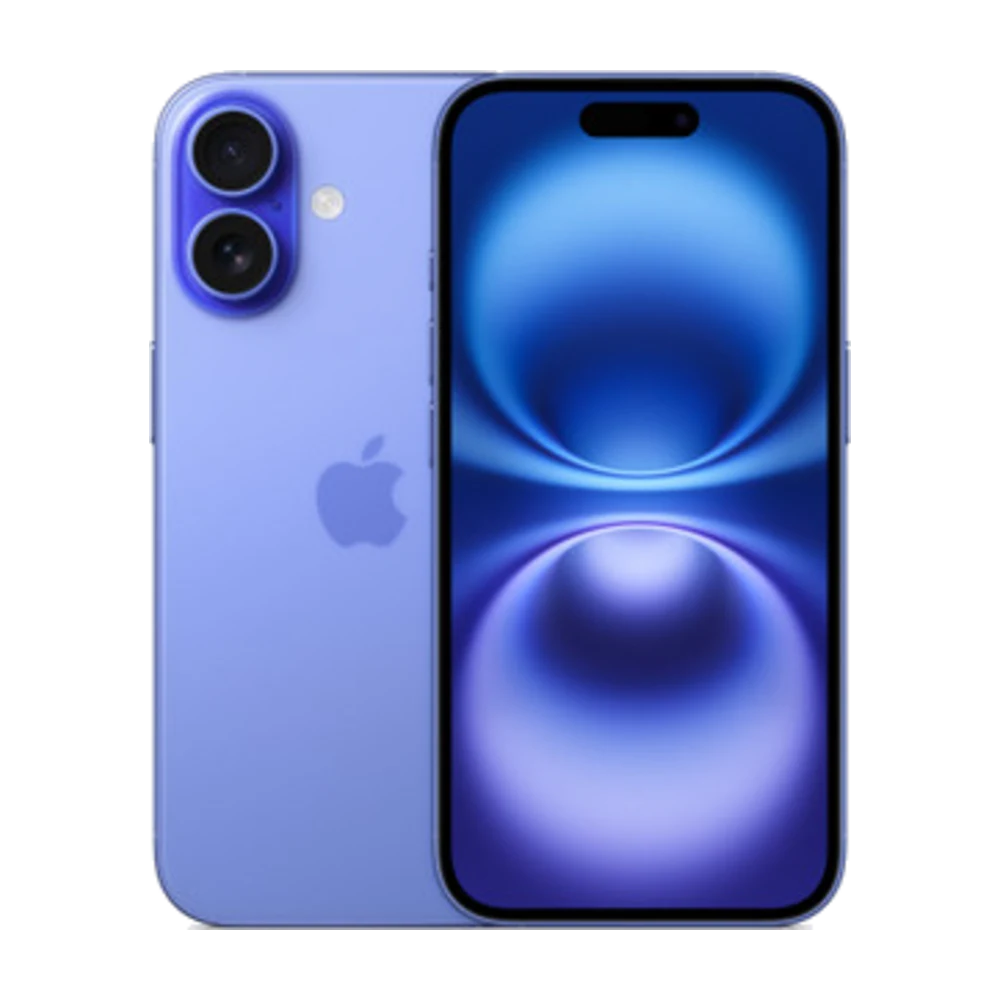
Low Power Mode cuts back background work so your battery lasts longer.
## 1. How to turn it on
Settings › Battery › Low Power Mode, or add its button to Control Center for quick access.
## 2. What does it reduce?
It reduces or pauses Background App Refresh, automatic mail fetching and some animations, and limits the display to 60Hz on ProMotion models.
## 3. Yellow battery icon
When it's on, the battery icon turns yellow. It turns off by itself once you charge above 80%.
## 4. Automate it with Shortcuts
In Shortcuts › Automation you can make Low Power Mode turn on by itself when the battery drops to, for example, 30%.
## 5. Find battery-hungry apps
Settings › Battery shows which apps used the most battery in the last 24 hours and 10 days.
Source: Apple iPhone User Guide — https://support.apple.com/guide/iphone/welcome/ios