

5 tips to take better photos with your iPhone
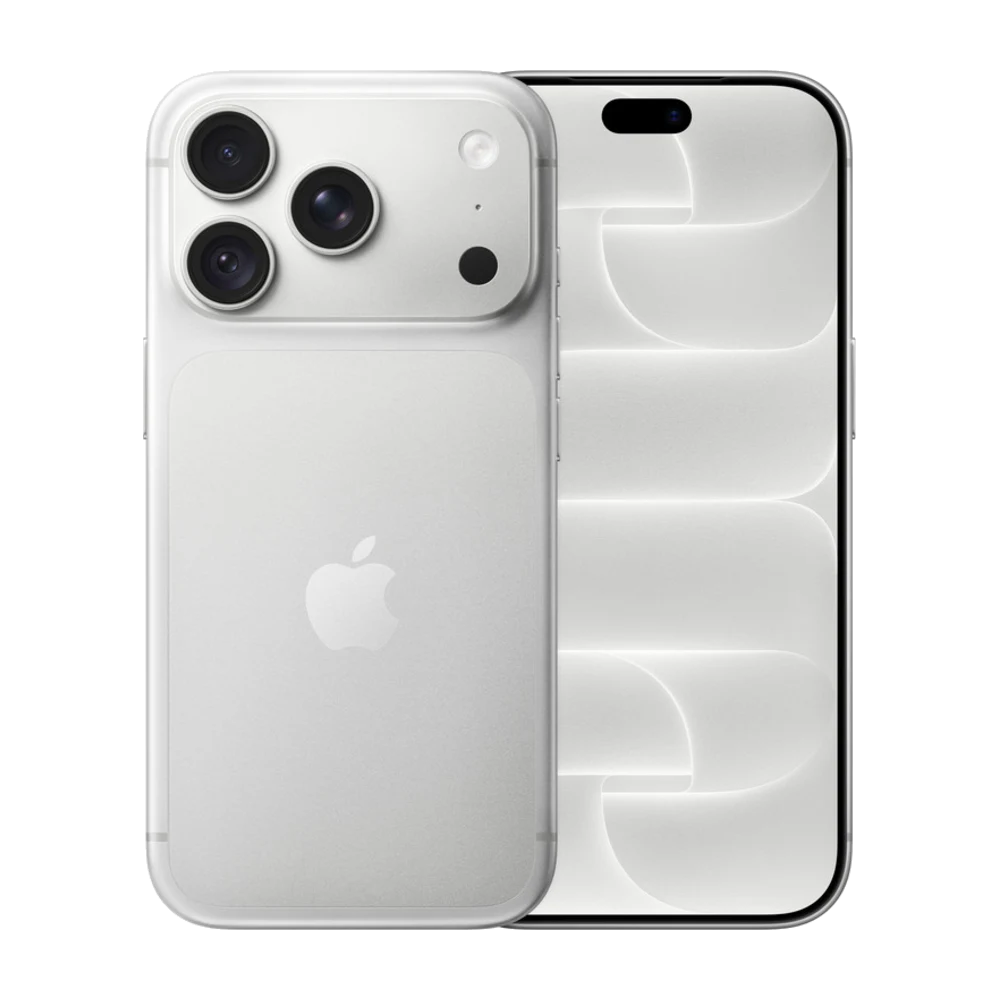
Your iPhone camera is already great, but a few small settings can make your photos look much better.
## 1. Turn on the Grid
Settings › Camera › Grid. Place people or objects on the lines or where they cross for a balanced shot.
## 2. Lock focus and exposure
Touch and hold your subject on the screen until you see AE/AF Lock, then drag up or down to make it brighter or darker.
## 3. Portrait for people
Use Portrait for a soft, blurred background. You can still change the blur later in Photos.
## 4. Night mode in the dark
In dark places, iPhone 11 and later turn on Night mode by themselves. Hold the phone still until the shot finishes.
## 5. Clean the lens
Fingerprints on the lens make photos hazy and add glow around lights. Wipe it with a soft cloth before shooting.
Source: Apple iPhone User Guide — https://support.apple.com/guide/iphone/welcome/ios