

Move everything from your old iPhone to a new one with Quick Start
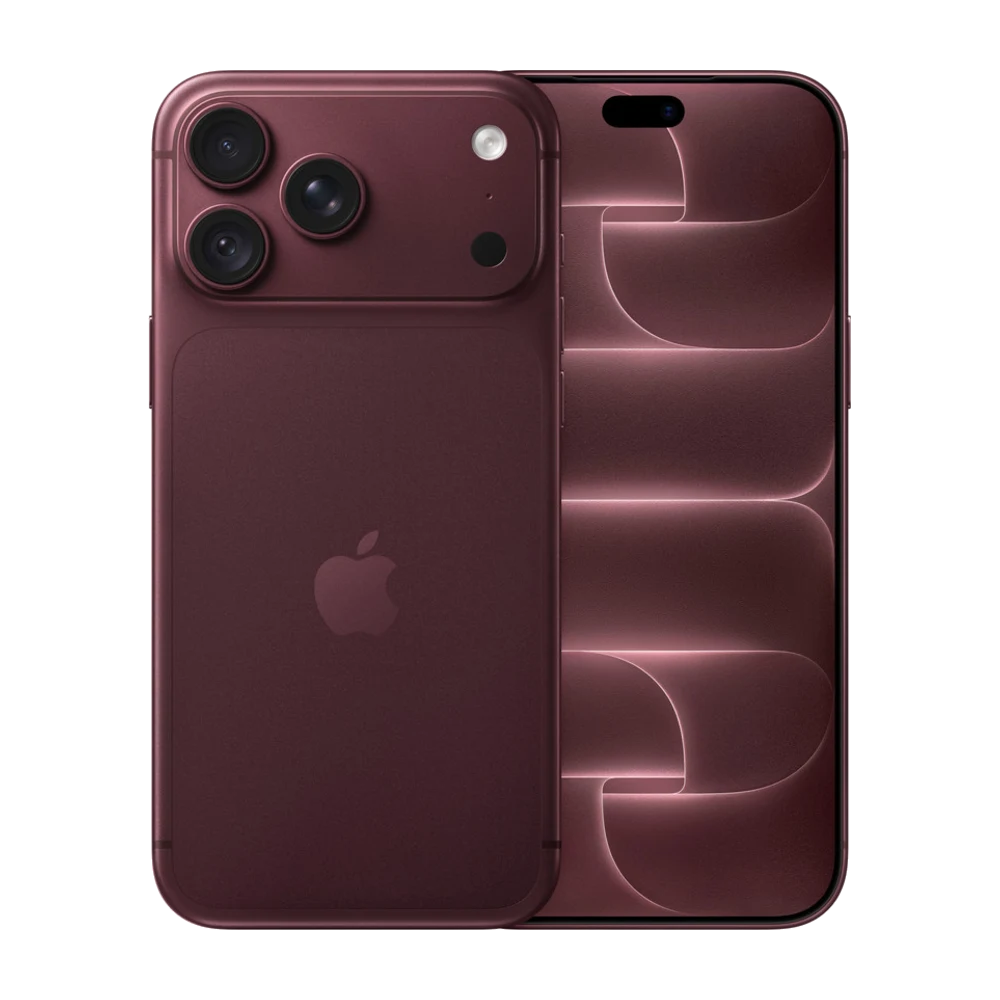
Quick Start is the easiest way to move from an old iPhone to a new one.
## 1. Get ready
Charge both phones, connect to Wi-Fi and turn on Bluetooth on the old iPhone.
## 2. Put them side by side
Turn on the new iPhone and place it next to the old one. A Quick Start screen appears on the old iPhone — tap Continue.
## 3. Scan the animation
Use the old iPhone's camera to scan the animation on the new iPhone, then enter the old phone's passcode.
## 4. Choose Transfer from iPhone
Your data moves directly. How long it takes depends on how much you have — keep both phones close and plugged in until it's done.
## 5. After the transfer
Check that WhatsApp, Telegram, banking apps and 2FA work before you erase the old phone.
Buying a new iPhone at Sensok Phone? We'll help you move your data in the shop.
Source: Apple iPhone User Guide — https://support.apple.com/guide/iphone/welcome/ios